
Kling Motion Control AI
Upload a character image and a motion reference video to generate stable, frame-consistent motion transfer clips. This motion control ai workflow supports creator testing for short-form video pipelines.
Motion Control WorkArea
Input Image
No character? Click me!
Drop image here or click
jpg/png/jpeg/webp/bmp (max 5MB)
Drop video or click
mp4/avi/mov (max 200MB, 2-30s)
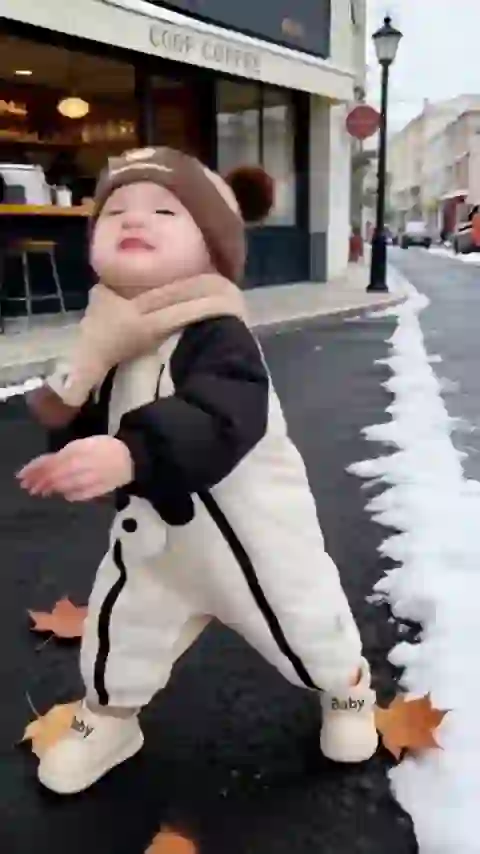
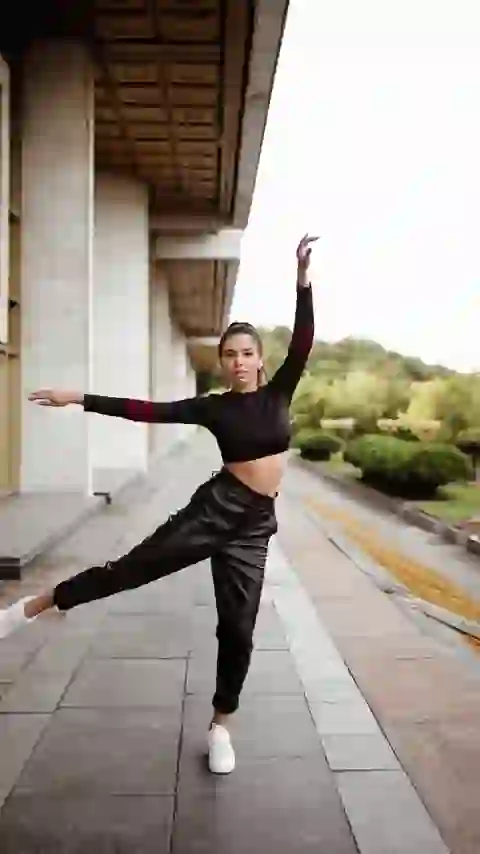
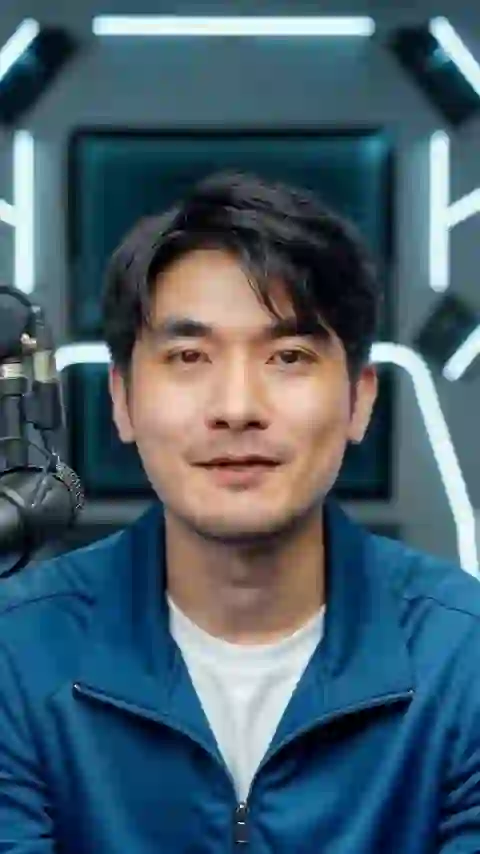
Sample Videos
Resolution
Motion Control Result
Your generated video will be shown below. Free users' videos are saved for 1 hour. Please download promptly. You can view your previous videos in Dashbord.
Result Time 4-8 min
What is Kling Motion Control?
Kling Motion Control is an image-to-video motion transfer workflow: it applies actions, gestures, and performance rhythm from a reference video to a target character image while keeping identity consistent.
What It Does (Role and Use Cases)
Motion Control is designed for performance reuse. Instead of animating frame-by-frame, you provide one character image and one motion reference video, and the model recreates the same movement pattern on the target character. Typical use cases include short-form content production, avatar animation, campaign variants, and rapid concept validation.
How It Works (Core Principle)
The pipeline extracts motion trajectories and timing cues from the reference clip (body movement, gesture pace, and performance dynamics), then maps those signals onto the character structure inferred from the input image. The system focuses on preserving temporal consistency and visual identity, so the generated result follows the original performance rhythm while remaining coherent with the target character appearance.
Key Inputs and Output Controls
Inputs: (1) one reference image for character identity, (2) one reference video for motion source. Output controls include orientation behavior and quality mode. In this page, you can choose 720p for faster iteration or 1080p for higher visual fidelity in final delivery.
Practical Tips for Better Results
Use a clean character image with clear subject boundaries, and a well-lit reference clip with one dominant performer. Keep motion readable (avoid heavy occlusion), and start with short clips for quick iteration before scaling to longer or higher-quality outputs.
Motion Control AI Highlights
From frame-consistent transfer to quality mode selection, these are the practical strengths of a production-ready motion-control workflow.
Frame-Consistent Motion Transfer
Transfer gestures, pacing, and body performance from a reference video to your target character while keeping identity stable. This is especially useful for dance, acting clips, and expressive avatar content.
Standard vs Pro Output Paths
Use standard rendering when you need faster, cost-efficient iteration, then switch to higher-quality output for polished delivery. Motion behavior remains consistent while image clarity and refinement improve.
Reusable Pipeline for Teams
One reference performance can be reused across multiple characters and styles, making this workflow suitable for campaign variants, social content batches, and repeatable API-driven generation pipelines.
Frequently Asked Questions about Motion Control AI
Have another question? Contact us at [email protected]